Best Heatmap Tools in 2026: Complete Comparison
A detailed comparison of the best heatmap tools on the market. We cover features, pricing, strengths, and honest assessments of each platform.

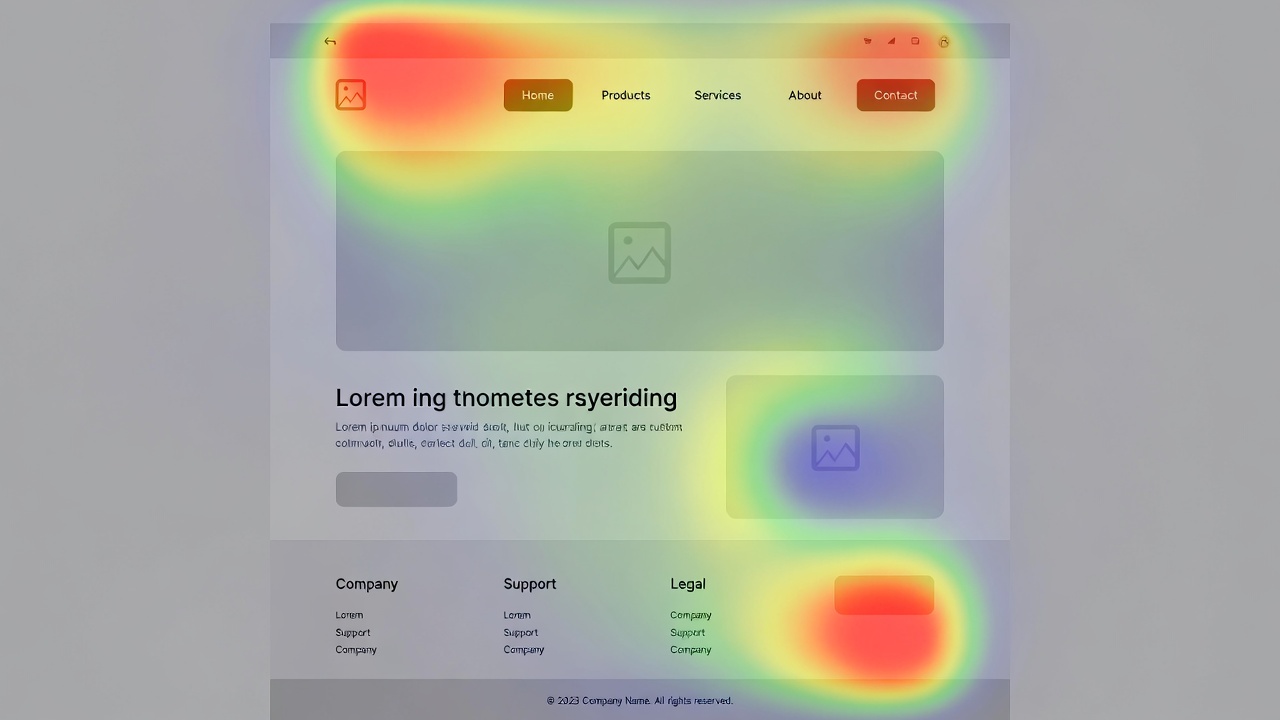
Heatmaps show you what users actually do on your website — where they click, how far they scroll, and where their attention goes. Here is a fair comparison of the best heatmap tools available in 2026.
1. Zenovay
Zenovay includes heatmaps as part of a broader analytics platform. Unlike standalone heatmap tools, it combines heatmap data with traffic analytics, session replay, and revenue attribution. This means you can see not just where users click, but which clicks lead to revenue.
Strengths
- Heatmaps integrated with full analytics suite
- Click, scroll, and move heatmaps
- Segment heatmaps by traffic source or device
- Privacy-first approach with no cookies
Limitations
- Heatmaps require paid plan
- Newer entrant in the heatmap space
Pricing: Free tier (no heatmaps). Pro from $20/mo includes heatmaps.
2. Hotjar
Hotjar is the most well-known heatmap tool on the market. It was one of the first to make heatmaps accessible to non-technical teams and has built a large user base. Hotjar also includes surveys, feedback widgets, and session recordings.
Strengths
- Market leader with extensive documentation
- Heatmaps, recordings, surveys, and feedback
- Easy setup and user-friendly interface
- Good integrations ecosystem
Limitations
- No traffic analytics (needs GA or similar)
- Session limits on lower plans
- Can slow down page load speed
- Privacy concerns — uses cookies
Pricing: Free plan (limited). Plus from $39/mo. Business from $99/mo.
3. Microsoft Clarity
Microsoft Clarity is a completely free heatmap and session recording tool. It is backed by Microsoft, which means excellent reliability and no risk of the service disappearing. For teams on a tight budget, Clarity is hard to beat on price.
Strengths
- Completely free with no session limits
- Backed by Microsoft
- Rage click and dead click detection
- Copilot AI for insights
Limitations
- Data is processed by Microsoft
- Limited export and API capabilities
- No surveys or feedback tools
- GDPR compliance requires careful setup
Pricing: Free. No paid plans.
4. Crazy Egg
Crazy Egg has been in the heatmap space since 2006, making it one of the oldest tools in this category. It includes A/B testing alongside heatmaps, which is useful for teams that want to test design changes based on heatmap insights.
Strengths
- Long track record (since 2006)
- Built-in A/B testing
- Confetti and overlay reports
- Traffic analysis features
Limitations
- UI feels dated
- Limited session recording capabilities
- No free plan
- Page view limits on all plans
Pricing: From $29/mo (Basic). Standard from $49/mo. Plus from $99/mo.
5. Mouseflow
Mouseflow focuses on behavior analytics with heatmaps, session replay, funnels, and form analytics. It is particularly strong in form optimization, which makes it a good choice for lead generation websites.
Strengths
- Excellent form analytics
- Friction score for pages
- Built-in funnel analysis
- GDPR and CCPA compliant options
Limitations
- Can be expensive for high-traffic sites
- Session recording limits on lower plans
- Less intuitive UI than competitors
- No traffic analytics integration
Pricing: Free plan (500 sessions/mo). Growth from $39/mo. Business from $159/mo.
Which Tool Should You Choose?
- Choose Zenovay if you want heatmaps integrated with full analytics, session replay, and revenue attribution
- Choose Hotjar if you want the most established heatmap tool with surveys and feedback widgets
- Choose Microsoft Clarity if budget is your primary concern and you need a free, reliable solution
- Choose Crazy Egg if you want combined heatmaps and A/B testing in one tool
- Choose Mouseflow if form analytics and friction scoring are important to your use case