Enterprise SSO Made Simple: A Complete Guide to Secure Authentication
Learn how to implement enterprise-grade single sign-on with SAML 2.0, OAuth 2.0, and WebAuthn. Discover the benefits of passwordless authentication for your organization.

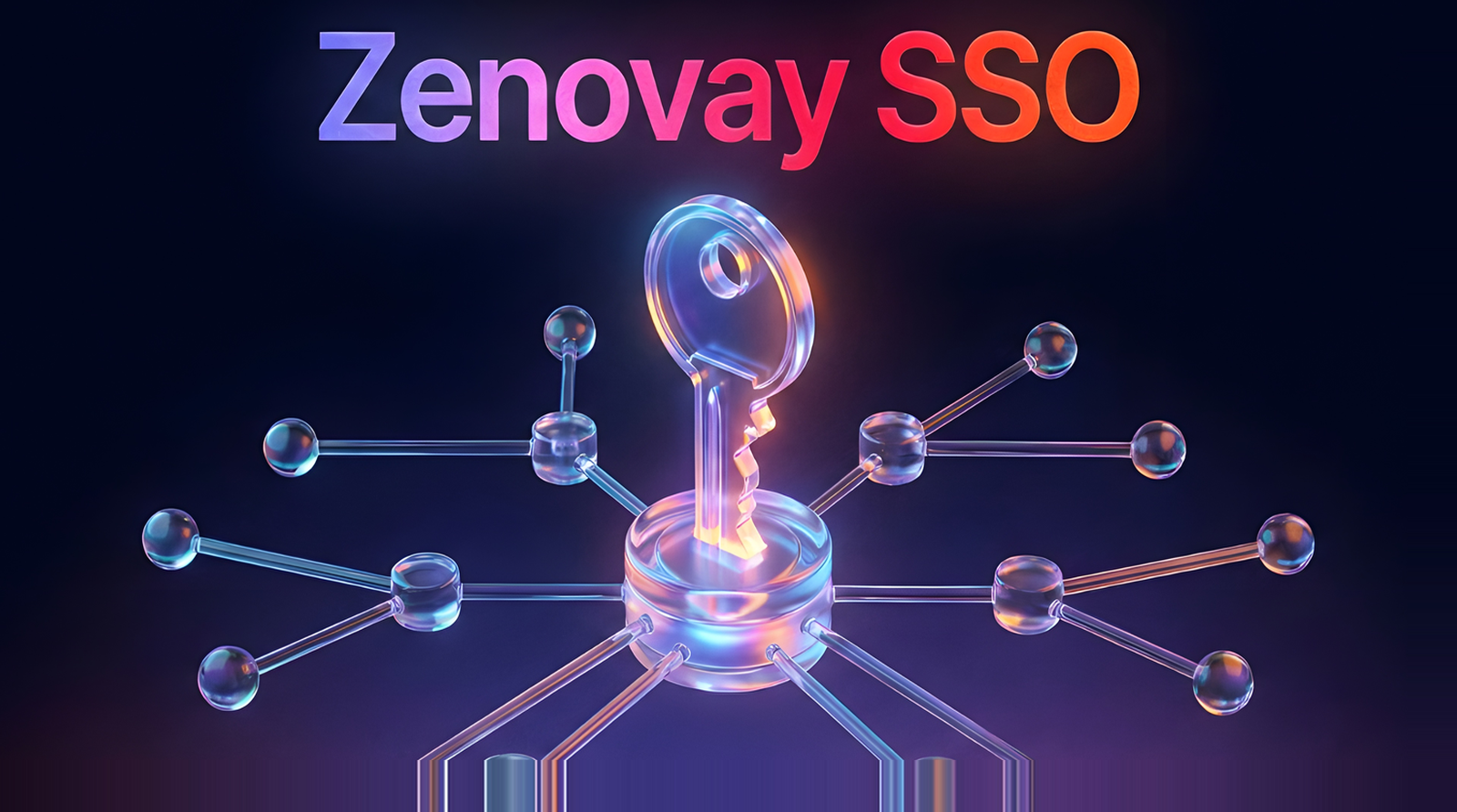
For enterprise teams, managing user authentication across multiple applications can quickly become a security and operational nightmare. Single Sign-On (SSO) solves this by letting users authenticate once and gain access to all connected applications. In this guide, we will walk through Zenovay's enterprise SSO capabilities and how to set them up for your organization.
Why Enterprise SSO Matters
Before diving into the technical details, let us understand why SSO has become essential for modern organizations:
Enhanced Security
Centralized authentication reduces the attack surface. When employees leave, revoking access to all applications takes seconds instead of hours.
Reduced Password Fatigue
Users no longer need to remember dozens of passwords. This reduces the temptation to reuse passwords or write them down, both common security vulnerabilities.
Improved Compliance
Centralized authentication provides complete audit trails. Track who accessed what and when, meeting compliance requirements for SOC 2, HIPAA, and GDPR.
Better User Experience
One click to access all tools. Your team spends less time logging in and more time being productive.
Supported Authentication Protocols
Zenovay supports the industry-standard protocols that enterprise identity providers rely on. Here is an overview of each:
SAML 2.0
Security Assertion Markup Language (SAML) 2.0 is the gold standard for enterprise SSO. It enables secure exchange of authentication data between your identity provider (IdP) and Zenovay.
- Works with: Okta, Azure AD, OneLogin, Google Workspace, PingIdentity, and more
- Best for: Large organizations with established identity infrastructure
- Key benefit: IT admins maintain full control over user provisioning and deprovisioning
OAuth 2.0 and OpenID Connect
OAuth 2.0 with OpenID Connect (OIDC) provides a modern, flexible approach to authentication. It is particularly well-suited for organizations using cloud-native identity providers.
- Works with: Auth0, Azure AD B2C, Cognito, Keycloak, and custom providers
- Best for: Organizations requiring fine-grained authorization scopes
- Key benefit: Modern protocol with excellent mobile and API support
WebAuthn for Passwordless Authentication
WebAuthn (Web Authentication) enables truly passwordless login using biometrics, security keys, or device-based authentication. This is the future of enterprise security.
- Supported methods: Touch ID, Face ID, Windows Hello, YubiKey, and other FIDO2 devices
- Best for: Security-conscious organizations wanting to eliminate password-based attacks
- Key benefit: Phishing-resistant authentication that users actually prefer
Why Passwordless?
Traditional passwords are the weakest link in security. According to industry research, over 80% of breaches involve compromised credentials. Passwordless authentication eliminates this attack vector entirely.
- - Immune to phishing attacks
- - No credentials to steal or leak
- - Faster login times
- - Reduced IT support tickets for password resets
Setting Up Enterprise SSO
Setting up SSO with Zenovay is straightforward. Here is a general overview of the process:
Step 1: Access SSO Settings
- Log in to your Zenovay dashboard as an organization administrator
- Navigate to Settings > Security > Single Sign-On
- Select your preferred authentication protocol (SAML 2.0 or OIDC)
Step 2: Configure Your Identity Provider
Zenovay provides the configuration details you will need to set up the connection in your IdP:
- Entity ID / Issuer: A unique identifier for Zenovay as a service provider
- ACS URL: The endpoint where your IdP sends authentication responses
- Metadata URL: For automatic configuration in supported IdPs
Step 3: Upload IdP Configuration
After configuring your IdP, upload the configuration to Zenovay:
- For SAML: Upload your IdP metadata XML or enter the SSO URL and certificate manually
- For OIDC: Enter the issuer URL, client ID, and client secret
Step 4: Test and Enable
- Use the Test Connection button to verify the integration
- Once successful, enable SSO for your organization
- Optionally enforce SSO-only login for enhanced security
Multi-Factor Authentication Options
For organizations not ready for full SSO, or as an additional security layer, Zenovay offers flexible MFA options:
Time-Based One-Time Passwords (TOTP)
Compatible with Google Authenticator, Authy, 1Password, and other TOTP apps. Generate a new code every 30 seconds for secure verification.
SMS Verification
Receive verification codes via text message. While less secure than other methods, it provides accessibility for users without smartphones.
Hardware Security Keys
Support for YubiKey and other FIDO2-compliant security keys. The most secure option for high-risk accounts.
Biometric Authentication
Leverage device biometrics like Touch ID, Face ID, and Windows Hello for seamless yet secure verification.
Security Best Practices
Implementing SSO is just the first step. Follow these best practices to maximize your security posture:
1. Enforce SSO for All Users
Once SSO is configured, consider requiring it for all users. This ensures consistent authentication policies and prevents users from bypassing security controls with local accounts.
2. Enable Just-in-Time Provisioning
With JIT provisioning, user accounts are automatically created in Zenovay when they first authenticate via SSO. This eliminates manual account creation and ensures users always have the correct permissions.
3. Configure Session Policies
Set appropriate session timeouts and reauthentication requirements based on your security needs. Shorter sessions for sensitive operations, longer sessions for everyday access.
4. Review Access Logs Regularly
Monitor authentication events for suspicious activity. Zenovay provides detailed audit logs showing successful and failed login attempts, MFA events, and session activity.
5. Plan for Recovery
Ensure you have recovery procedures in place if your IdP experiences downtime. Designate emergency admin accounts and document your backup authentication procedures.
Benefits for Enterprise Teams
Organizations using Zenovay's enterprise SSO typically experience:
Reduction in password-related support tickets
User adoption rate for passwordless login
Average time to offboard departing employees
Audit trail coverage for compliance requirements
Getting Started
Enterprise SSO is available on Zenovay Professional and Enterprise plans. If you are on a different plan and interested in SSO capabilities, contact our sales team to discuss your needs.
For detailed integration guides specific to your identity provider, visit our SSO documentation or reach out to our support team.