Session Replay: The Complete Guide for 2026
Everything you need to know about session replay — from the basics to advanced analysis techniques, with a strong focus on doing it responsibly.

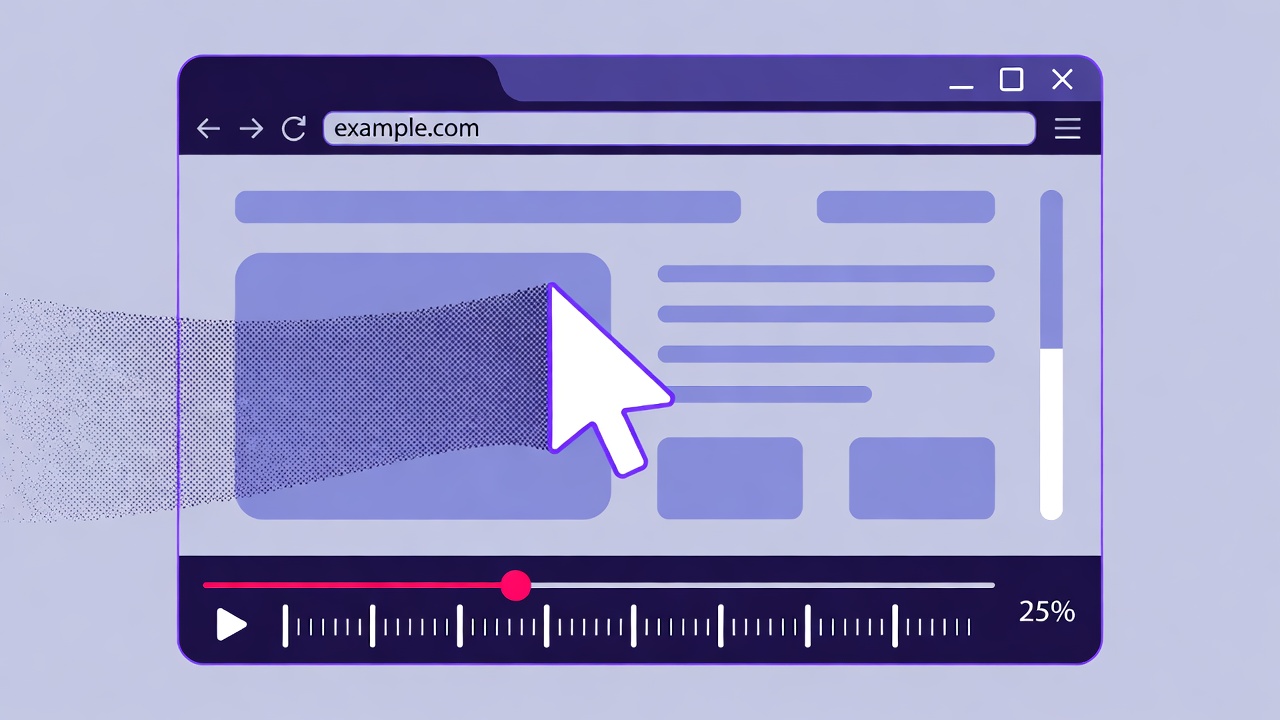
Session replay lets you watch how real users navigate your website. It is the closest thing to looking over a user's shoulder — and it is one of the most powerful tools for understanding user behavior and fixing UX problems.
What is Session Replay?
Session replay records a visitor's interaction with your website — mouse movements, clicks, scrolls, and page navigations. Rather than capturing actual video, it records DOM changes and reconstructs the experience during playback. This keeps file sizes small and allows for efficient storage.
Think of it as a DVR for your website. You can watch any visitor's session, fast-forward through idle periods, and see exactly what they experienced — including errors, slow loads, and confusion moments.
When to Use Session Replay
Debugging User-Reported Issues
When a user says “the checkout is broken,” find their session replay to see exactly what happened. No more guessing or trying to reproduce the bug.
Understanding Funnel Drop-Offs
Your analytics show a 60% drop-off at the checkout step. Watch sessions of users who abandoned to see why — was it a form error, unexpected shipping costs, or a confusing layout?
Validating Design Changes
After a redesign, watch sessions to confirm users interact with the new layout as intended. Catch problems before they become conversion issues.
Onboarding Optimization
Watch new users go through your onboarding flow. Identify where they hesitate, skip steps, or give up entirely.
Privacy Considerations
Session replay is powerful, but it comes with responsibility. Recording user behavior requires careful attention to privacy. Here is how to do it right:
- Auto-mask sensitive data: Ensure passwords, credit card numbers, and personal fields are automatically redacted in recordings
- Disclose recording in your privacy policy: Users should know that session recording is in use
- Set retention limits: Do not store recordings indefinitely. Set automatic deletion after 30-90 days
- Limit access: Not everyone on your team needs to watch session replays. Restrict access to UX researchers and product managers
- Exclude sensitive pages: Consider excluding pages with personal health, financial, or legal information
How to Analyze Sessions Effectively
Watching random sessions is not productive. Use these strategies to get value from session replay:
- Filter by frustration signals: Look for sessions with rage clicks (rapid repeated clicks), u-turns, or error encounters
- Focus on key flows: Watch sessions for specific user journeys — checkout, signup, onboarding — not random browsing
- Watch across segments: Compare sessions from mobile vs desktop, new vs returning users, and different traffic sources
- Look for patterns, not anecdotes: One confused user is an anecdote. Ten confused users in the same spot is a pattern worth fixing
- Share findings with your team: Session replays are compelling evidence for UX improvements. Share key clips with designers and developers
Session Replay + Other Analytics
Session replay is most powerful when combined with other analytics tools:
Heatmaps + Replay: See aggregate patterns in heatmaps, then watch individual sessions to understand why
Funnels + Replay: Identify drop-off points in your funnel, then watch sessions of users who dropped off
Error tracking + Replay: When JavaScript errors spike, find affected sessions to see the user impact
Session replay transforms analytics from “what happened” to “why it happened.” When used responsibly and combined with quantitative data, it is one of the most effective tools for improving your product.